Automate itemized estimations, track client interactions, and auto-generate beautifully custom-branded PDF proposals that win high-value contracts.
Trusted by 10+ designers across the country
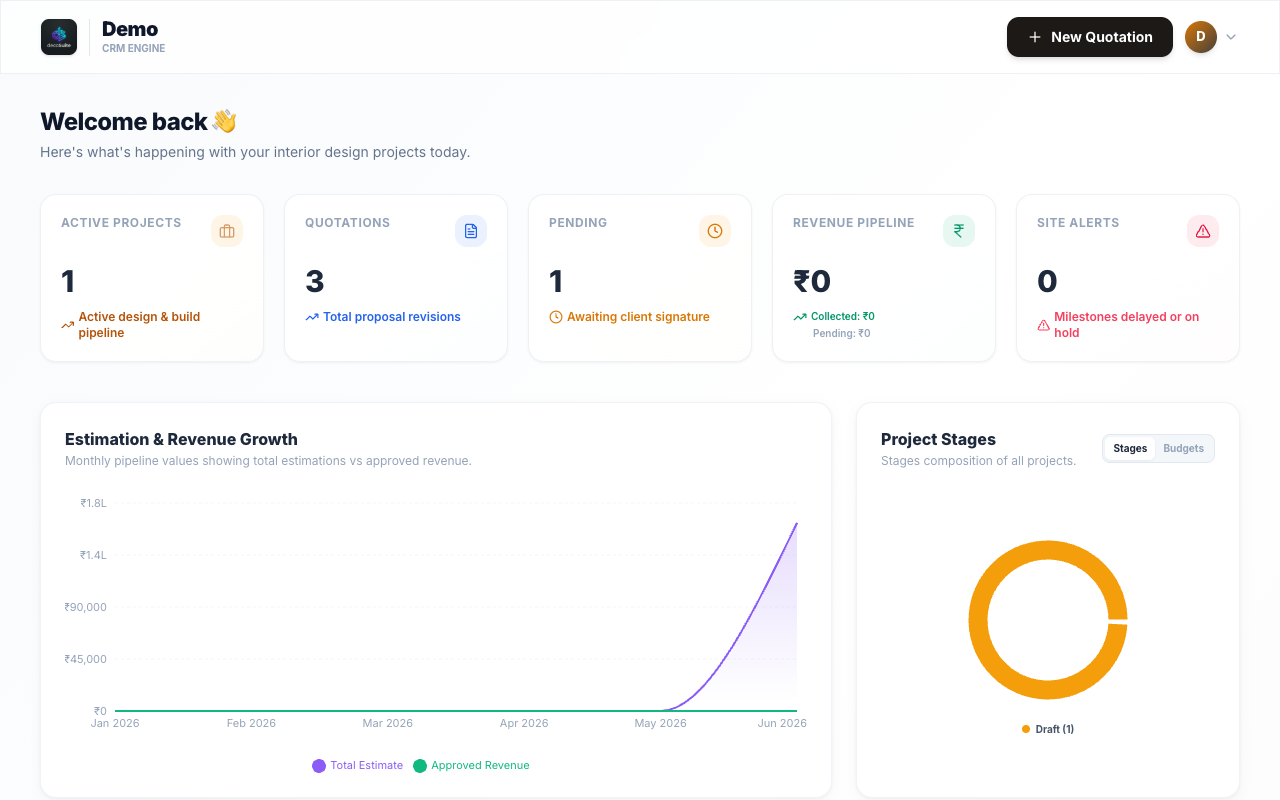
Ditch the messy excel sheets and manual word documents. SpaceIO automates your administrative workflows.
Select components dynamically from an interior catalog, apply custom labor/material rates, set your margins, and auto-calculate GST instantly.
Maintain full profiles for every client. Keep addresses, site details, phone numbers, and interactive histories linked directly to estimates.
Prevent accidental document overrides. SpaceIO tracks modifications and locks identical saves to avoid duplicating versions (V1, V2, etc.) unnecessarily.
Compile estimations into print-ready, high-fidelity PDF files instantly. Inject custom logo branding, studio details, terms and conditions, and automated signature acceptance blocks.
Customize company metadata and terms below, and watch the dynamic PDF engine construct your signature document.

| Item Details | Qty | Total |
|---|---|---|
| Custom Engineered Modular Wardrobe (Oak Finish) | 1 | ₹1,85,000 |
| L-Shaped Premium Suede Sofa (Forest Green) | 1 | ₹1,45,000 |
| Grand Total | ₹3,30,000 | |
1. Payment: 40% Booking Advance, 40% on Material Delivery, 20% on Completion. 2. Prices are valid for 30 days from proposal date.
Unlock unlimited proposals, clients, and user roles. Start with a 14-day trial, no card required.
Everything you need to run your design business.
(Equivalent to ₹417 / month, billed annually)
Got questions about SpaceIO? We've got answers. Or drop a line at hello@withspaceio.in.
In Step 1 (Project Registry) of the Quotation Builder, you can select an existing client or project from the dropdown menus to pre-fill details. To register a new one, select 'Create New Client' or 'Create New Project' and enter the name, phone, email, site address, and estimated budget to proceed.
In Step 2 (Room Allocation) of the Quotation Builder, you can define your project's layout by adding spaces (like Living Room, Kitchen, Bedrooms, etc.). You can search and select from a predefined list of standard spaces in the right sidebar or type in a custom name to add custom zones instantly.
In Step 3 (Catalog Item Mapping), select the active room tab on the left, then browse the Master Catalog in the right sidebar. Click any item to add it. Once added, you can customize the brand, quantity, markup percentage, discount, and pricing details directly inside the item card.
SpaceIO supports three flexible pricing modes for items, which you can toggle dynamically:
• Piece: Fixed pricing per unit (quantity × unit price).
• Sq Ft (Square Feet): Auto-calculates cost based on dimensions (Length × Height/Breadth) multiplied by a base rate per sq ft.
• Running Ft (Running Feet): Calculates cost based on Length multiplied by a base rate per running foot.
Yes! In your Profile Settings, you can paste an image URL or directly upload a file. SpaceIO will automatically scale your logo and embed it on the top header of all exported proposal documents.
SpaceIO compares your active layout (rooms, items, quantities, pricing) to the database. If there are no differences since your last save, the "Save Quotation" button is disabled to prevent cluttering your project history with identical duplicate revisions (e.g. V2, V3).
No. SpaceIO permits unlimited PDF generations and direct local downloads. All PDFs are automatically formatted with dynamic page numbering, centered logo headers, and dual-signature verification blocks.